How biometric time and attendance terminals work
How a biometric terminal records arrivals and departures, what reports the owner and accountant get, fingerprint, face or card, and where to mount it.
4 min read
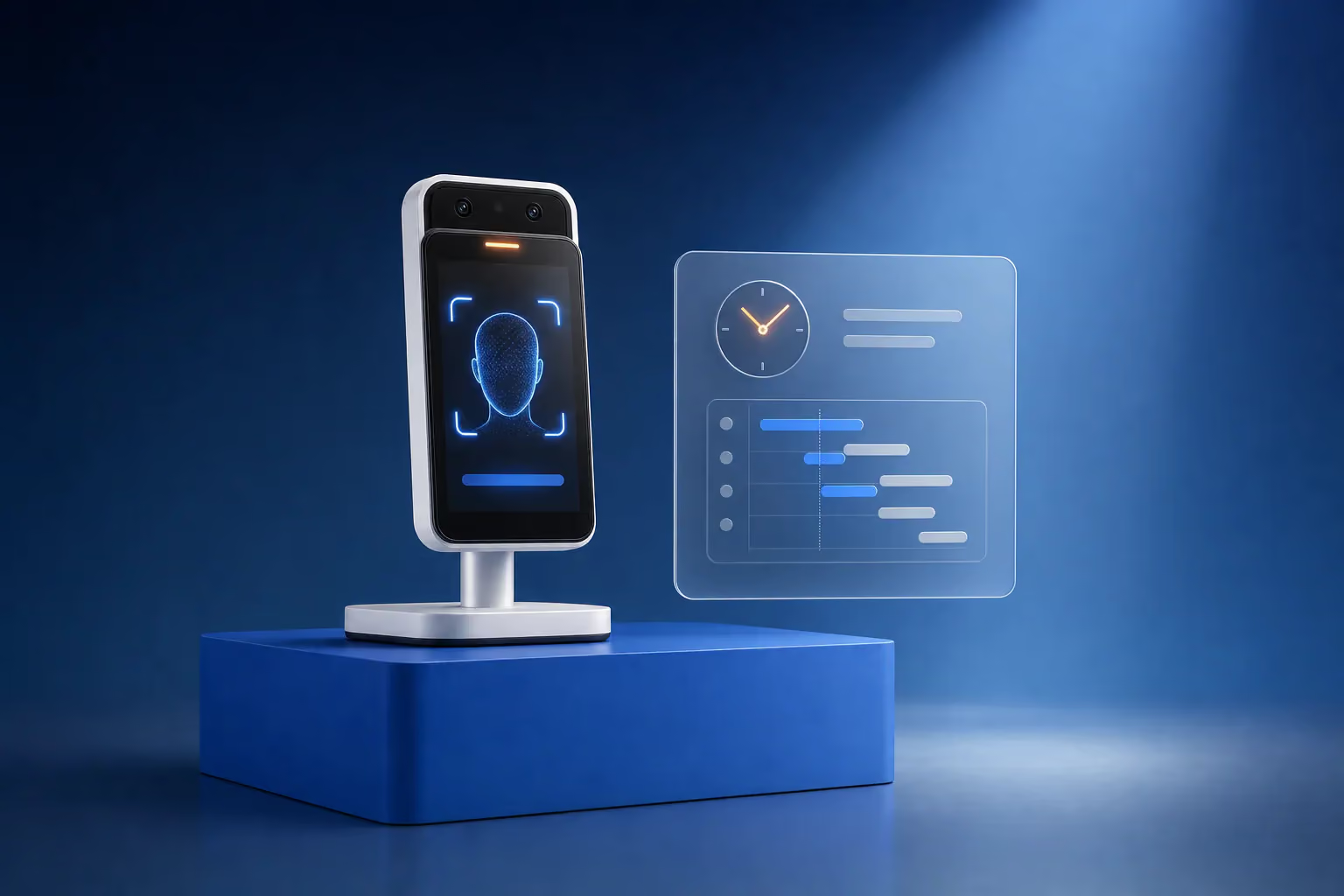
Biometric time and attendance is simple to use. An employee presses a finger to the terminal or looks into it at the entrance, the terminal recognises them within a second or two and records the time they arrived or left. The software turns these records into timesheets and works out hours worked, late arrivals and overtime for every shift. Unlike cards or a paper register, biometrics make it impossible to clock in for a colleague.
How the terminal recognises an employee
At enrolment, the employee presses a finger several times or looks into the terminal's camera. The terminal saves a template, a set of characteristic points of the fingerprint or face. At every check-in it compares the new fingerprint or face with all the stored templates and finds the match.
Face recognition terminals usually have two cameras, a normal one and an infrared one. The infrared camera helps in low light and tells a live face from a photo on a phone screen. Records are kept in the terminal's memory and reach the software over the network or on a USB stick.
Fingerprint, face or card
| Method | Clocking in for a colleague | Limitations | Where it fits |
|---|---|---|---|
| Fingerprint | Impossible | Struggles with dirty, dry or worn fingers, needs contact with the sensor | Offices, shops, restaurants |
| Face | Impossible if the terminal has anti-spoofing | Needs even light, with no window behind the employee | Building sites, factories, warehouses, busy gatehouses |
| Card or fob | A card can be handed to a colleague | Cards get lost and forgotten | A backup for staff whose fingerprints do not read |
On building sites, in garages and in warehouses, fingerprints often fail because of dirt, cement and calluses. Face recognition terminals are the choice there from the start. In an office both methods work well, and a fingerprint terminal usually costs less.
What the owner and the accountant get
- Timesheets for every employee and department, for any period.
- Late arrivals, early departures and absences, with dates.
- Overtime and weekend work.
- Shift-based tracking for day, night and flexible shifts.
- Export to Excel for payroll.
The accountant gets timesheets in minutes, without checking paper registers. A manager sees who is in right now without walking round the offices.
Where to mount the terminal
The terminal goes indoors at the entrance staff actually use to arrive at work. For face recognition, the screen is mounted at roughly face height, and there should be no window or bright doorway behind the person walking up, or their face ends up in shadow. If dozens of people arrive at the start of a shift, two terminals stop a queue forming at the door. The terminal needs power and either a network cable or Wi-Fi.
Common rollout mistakes
- Shift schedules are not set up. The software assumes everyone works 9 to 6 and marks the night shift as late.
- Nobody plans for staff whose fingerprints do not read. Enrol their faces or issue them cards from day one.
- The terminal faces a window and struggles to recognise faces during the day.
- Nobody is put in charge of timesheets. The records exist, but nobody fixes the "forgot to clock in" cases.
- Staff are not told the rules in advance. A new system without an explanation breeds mistrust.
Biometrics and personal data
Under the Law of Georgia on Personal Data Protection, biometric data is a special category that requires stronger protection. Before launch, we recommend agreeing the legal basis for processing with a lawyer, informing staff and keeping a card as an alternative way to clock in.
Time and attendance and access control on one terminal
The same terminal can open the door, so an employee clocks in and walks straight through. Time and attendance then becomes part of an access control system, and our article on types of access control systems explains the options. Our catalog includes ZKTeco and FingerTec time and attendance terminals with fingerprint, face and card.
How we set up time and attendance
LAGI chooses terminals to suit your site and the number of people, installs them, sets up shift schedules and lateness rules in the software, enrols your staff and shows the accountant how to produce timesheets. The service page time and attendance systems describes the work in more detail. To find out the cost for your company, send a quote request.
Frequently asked questions
Can a fingerprint or face terminal be fooled?
A cheap face terminal sometimes accepts a photo on a phone screen. Terminals with liveness detection use an infrared camera and reject that kind of trick. Fingerprint sensors in professional terminals are designed to work with a live finger. When choosing, check the specification for anti-spoofing protection.
What if an employee's fingerprint will not read?
First enrol another finger, or several, since one finger often reads worse than the others. If that does not help, enrol the employee's face, or issue a card if the terminal has no face recognition. That is why terminals supporting fingerprint, face and card together suit mixed workforces best.
Does a time and attendance terminal need internet?
No. The terminal keeps records in its own memory and passes them to the software over the local network or on a USB stick. The internet is only needed for cloud-based software or for viewing timesheets remotely. If the network drops, no records are lost, and they transfer once the connection returns.
Can timesheets be exported to Excel?
Yes. Time and attendance software exports timesheets, late arrivals and overtime to Excel for any period. The accountant uses these files for payroll. The export format is set up once to match the company's timesheet layout.