Types of access control systems and how to choose one
Standalone and networked controllers, cards, PIN, fingerprint, face and phone, locks and turnstiles. How to match an access control system to your building.
5 min read
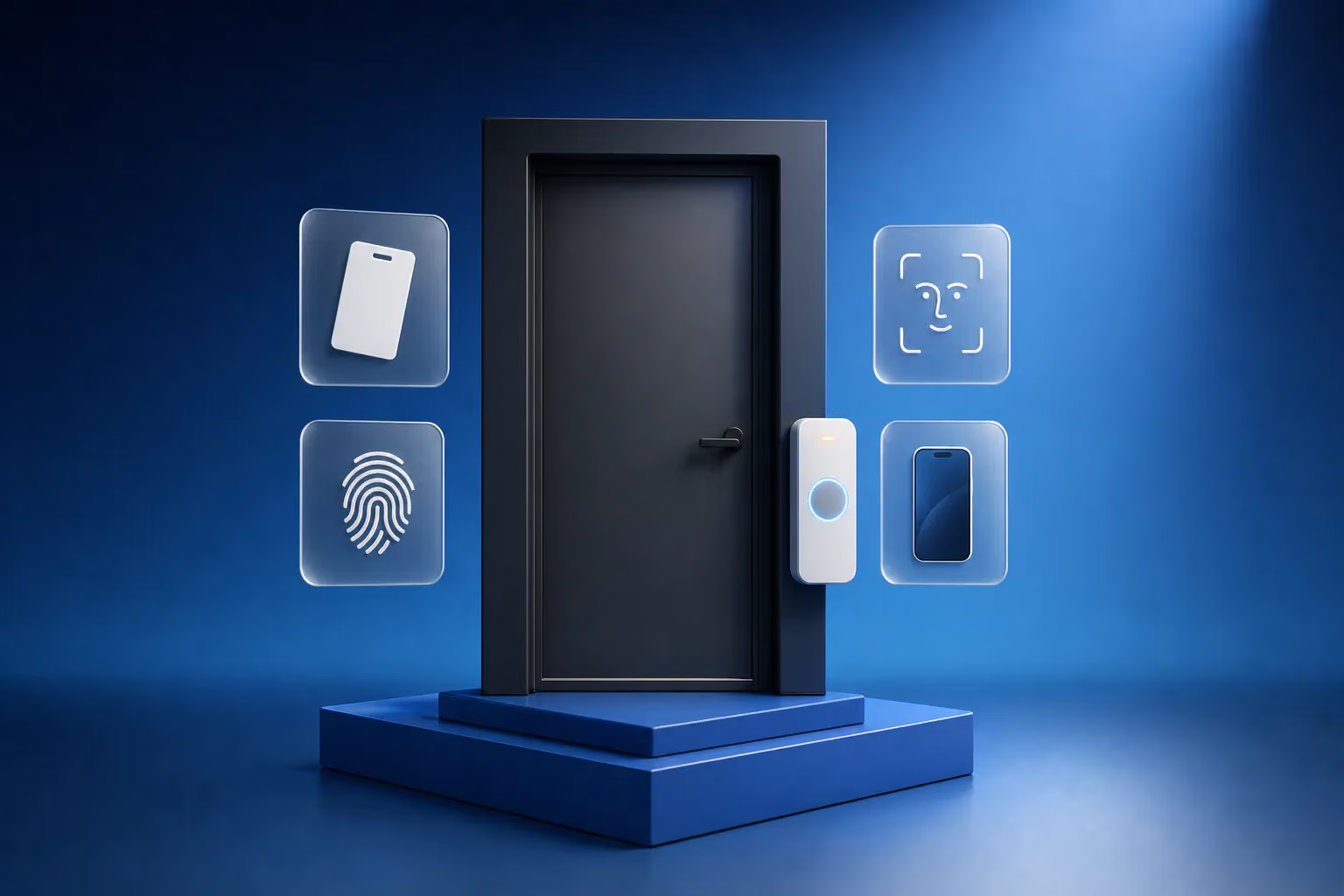
Types of access control systems differ in three ways: how the controller works, how a person proves they may enter, and what physically opens. The controller is standalone or networked. Proof comes from a card, a PIN, a fingerprint, a face or a phone. What opens is a lock, a turnstile or a barrier. An access control system lets authorised people in, keeps everyone else out and records who passed and when. The right type depends on the number of doors, the number of people and whether you need an entry log.
Standalone and networked controllers
A standalone controller sits at the door, often in the same housing as the reader. It stores a list of cards or fingerprints and decides on its own whether to release the lock. Cards are enrolled on the spot with a master card or the keypad. This suits one or two doors: an apartment or building entrance, a storeroom, the server room of a small office. Each door is set up separately, and there is either no entry log or one that can only be read at the door.
Networked controllers connect over the network to software or a server. One credential works on every door, rights are set by zone and schedule, the log is visible straight away, and a lost card is blocked across the whole building in one step. This is the choice for an office with several doors, a warehouse, a school or a business centre. Some systems are managed in the cloud, so rights can be changed from a browser or an app.
| Parameter | Standalone | Networked |
|---|---|---|
| Number of doors | One or two | From a few to hundreds |
| Where credentials are stored | In the controller at the door | In the software, sent to every controller |
| Entry log | None, or read at the door only | Live, with reports |
| Rights by time and zone | Limited | Yes |
| Blocking a lost card | Door by door | Everywhere at once |
Both types are in our catalog: standalone controllers and networked controllers.
How people prove they may enter
| Credential | Strength | Weakness | Where it fits |
|---|---|---|---|
| 125 kHz card or fob | Cheap and quick to issue | Easy to copy | Building entrances, storerooms |
| 13.56 MHz card or fob with encryption | Much harder to copy | Costs more, the reader must support the encryption | Offices, warehouses, rooms with valuables |
| PIN | Nothing to carry | Codes get passed around | Together with a card for a server room or cash office |
| Fingerprint | Cannot be handed to someone else | Struggles with dirty, dry or worn fingers, fails with gloves | Offices, time and attendance |
| Face | Contactless and fast | Needs the right lighting, costs more | Offices, gatehouses, building sites, warehouses |
| Phone | Convenient for guests and temporary passes | Depends on the phone and the app | Business centres, coworking spaces, residential complexes |
A 125 kHz card or fob can be copied by any cheap cloner in seconds. If there is cash, stock or documents behind the door, choose 13.56 MHz cards and fobs with encryption and readers that support it. On building sites and in warehouses, fingerprints often fail because of dirt and calluses, and face recognition works better there.
Locks, turnstiles and barriers
A magnetic lock holds the door while it has power and releases when power is cut. That suits escape routes, but without a UPS the door will stand unlocked during a power cut. An electromechanical lock or strike stays locked without power and opens with a key. It goes on outside doors and gates. The choice depends on the door, the escape requirements and what should happen when the power goes. Suitable models are in our locks section.
Turnstiles handle a flow of people, barriers handle vehicles, and automatic operators suit wide or glass doors. Every controlled door needs an exit button on the inside, and escape routes also need an emergency release button.
Links with other systems
Access control is connected to the fire alarm so that doors on escape routes release automatically when the alarm goes off. A link with CCTV attaches a camera frame to every entry. If the same terminals record when staff arrive and leave, the system also tracks working hours, which we cover in our article on biometric time and attendance. For visitors, access control is paired with a video intercom.
What to decide before installation
- Which doors, gates and turnstiles need control, and what they are made of. The door decides the lock.
- How many people pass and how often staff change. With high turnover, cards are easier to issue and block.
- Whether managers need an entry log and reports.
- Whether the same terminals should record working hours.
- What should happen during a power cut and a fire.
How we design access control
A LAGI engineer inspects every door, chooses a lock to suit its construction and the escape route, picks the controllers and credentials and shows where the cables will run. Site surveys in Tbilisi are free. We then carry out the access control installation, enrol your staff and show the administrator how to issue and block passes. Our office security page shows a complete solution for a business. To describe your site, use the quote request form.
Frequently asked questions
What is an access control system in simple terms?
An electronic lock with a memory. It opens the door for people who have the right to enter and keeps everyone else out. The right is proven with a card, a PIN, a fingerprint, a face or a phone. The system also records who passed which door and when, so any event can be traced in the log.
What is the difference between standalone and networked access control?
Standalone access control manages one door and keeps credentials in the controller at that door. A networked system joins many doors into one, with a shared list of credentials, rights by zone and time and a log in the software. One or two doors need only standalone control, and an office or warehouse with several entrances needs a networked system.
What are the three types of access control?
The phrase usually refers to three IT security models: discretionary (DAC), mandatory (MAC) and role-based (RBAC) access control. They describe how rights are granted. In physical security the same idea appears as role-based rights: staff get access by department and schedule, which networked controllers handle.
Does an access-controlled door open during a power cut?
It depends on the lock. A magnetic lock releases without power, while an electromechanical lock stays locked and opens with a key. To keep the system running through a power cut, controllers and locks are connected to a power supply with a backup battery. How long it lasts depends on the battery capacity and the number of locks.