What is PoE and how one cable powers an IP camera
PoE carries power to a camera over the same network cable as its video. Standards and wattage, switch power budgets, cable length, injectors and splitters.
5 min read
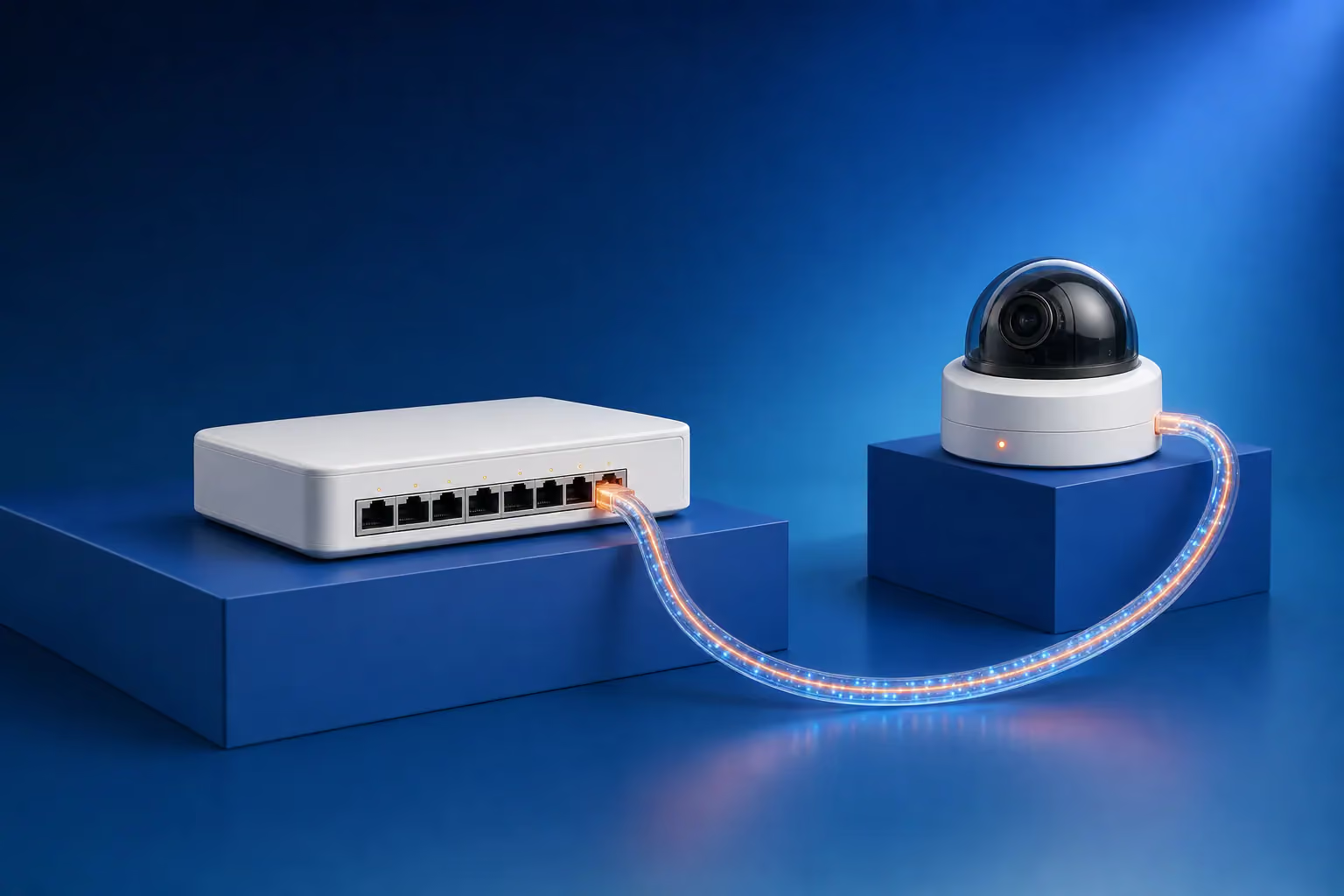
PoE (Power over Ethernet) lets an IP camera take its power over the same network cable that carries its video. The power comes from a PoE switch, a PoE port on the video recorder or an injector. The camera needs no socket nearby, and the power for the whole system can be gathered in one cabinet and backed by one UPS.
How PoE works
The switch puts a DC voltage of about 48 V onto the pairs of the twisted-pair cable. Before switching the power on, it checks whether the connected device supports PoE. A laptop or router plugged into the port is therefore safe, because the switch simply does not power it. The camera then reports its power class, and the switch reserves the wattage it needs.
There is also passive PoE, found in cheap kits. It applies a fixed voltage, usually 12 or 24 V, without any check and can damage a device that is not designed for it. In our systems we use standard PoE only.
Standards and power
| Standard | Name | At the switch port | Reaching the device | What it powers |
|---|---|---|---|---|
| IEEE 802.3af | PoE | 15.4 W | 12.95 W | Standard IP cameras, access points, IP phones |
| IEEE 802.3at | PoE+ | 30 W | 25.5 W | Cameras with strong illumination or heaters, small PTZ cameras |
| IEEE 802.3bt Type 3 | PoE++ | 60 W | 51 W | PTZ cameras, multi-sensor cameras |
| IEEE 802.3bt Type 4 | PoE++ | 90 W | 71.3 W | Outdoor PTZ cameras with heaters |
Some power is lost in the cable, so the device receives less than the port supplies. A standard dome or bullet IP camera draws 5–10 W, and a PTZ camera with strong illumination 25 W or more. Take the exact figure from the camera's specification, and take the maximum: infrared comes on at night and the heater in winter.
A switch's power budget
A PoE switch has two limits: the power per port and the total budget across all ports. The total budget is often lower than the sum of every port's maximum. For example, an eight-port switch with a 120 W budget runs eight 8 W cameras on 64 W with plenty to spare. Put four 25 W PTZ cameras and four 8 W cameras on it, though, and the total reaches 132 W, which is over budget. Cameras will then reboot or fail to start.
Work from maximum consumption and keep 20–25% in reserve, so the switch does not run at its limit and there is room for one more camera.
Cable length and what to do beyond 100 metres
Ethernet limits a cable run to 100 m, including the patch leads at both ends, and PoE has the same limit. If a camera is further away, there are several options:
- a second switch halfway, if there is power and a secure spot for a cabinet there;
- a PoE extender, which takes its own power from the line and adds roughly another 100 m;
- fibre with media converters, for hundreds of metres or another building on the site;
- a wireless bridge where cable cannot be laid.
Some switches have an extended-range mode that reaches 250 m by dropping the port speed to 10 Mbit/s. That is enough for one camera streaming 4 Mbit/s.
Which cable to use
For PoE, use Cat5e or Cat6 twisted pair with solid copper conductors. Cheap CCA cable, which has aluminium conductors coated in copper, runs hotter and loses more voltage. The typical result: the camera works all day, then at night the infrared switches on, consumption rises and the camera starts rebooting. Outdoors, run the cable in conduit or use cable with a UV-resistant sheath. On long outdoor runs, fit surge protection at both ends.
Switch, recorder port or injector
A recorder with built-in PoE ports suits a small system where every camera is within 100 m of the cabinet. When cameras are spread across a building or a site, a PoE switch goes near each group, and the switches connect to the recorder over the network. Some switches can restart a port automatically: if a camera stops responding, the switch cuts its power for a second.
An injector adds power to a single line when the switch has no PoE. A splitter does the opposite. It separates power from data and supplies 12 V to a device without PoE, such as an older camera.
When PoE is the wrong fit
PoE does not apply to HD analog cameras on coaxial cable, which have their own power. Our article IP vs analog cameras explains the difference. For a spot where no cable can reach, such as the far corner of a plot or a building site, there are solar-powered cameras with 4G.
How we plan camera power
In a CCTV system design, LAGI works out each camera's maximum consumption, each switch's budget and the length of every run, and plans space for switches and a UPS from the start. Our article NVR or DVR shows how this ties into choosing the recorder. During CCTV installation we test every line under load with the night illumination switched on. If you are planning a system, describe the site in the quote request form.
Frequently asked questions
What is a PoE switch?
A network switch that also powers the devices connected to it. IP cameras, access points and IP phones run from it without separate power supplies. When choosing one, look at the number of PoE ports, the standard (PoE, PoE+ or PoE++) and the total power budget in watts.
What is the difference between a PoE injector and a splitter?
An injector adds power to a network line and is needed when the switch or router has no PoE but the camera does. A splitter sits at the camera end and divides the line into data and 12 V power. It is needed when PoE arrives on the line but the device only accepts separate power.
Can a PoE camera connect to an ordinary router?
Yes, but it will not get power from the router, because the router's ports do not supply voltage. Fit a PoE injector between the router and the camera, or power the camera from its own adapter if it has a socket for one. For several cameras, a PoE switch is more practical.
Is it safe to plug a laptop or router into a PoE port?
With standard PoE, yes. An 802.3af, at or bt switch checks the device first and applies voltage only if it supports PoE. Passive PoE is the risk, because it applies voltage without checking. Such ports are usually labelled, and devices without PoE support should not be plugged into them.