How to install and connect security cameras
How to plan camera positions, run the cable, connect cameras to the recorder and your phone, and which installation mistakes to avoid.
7 min read
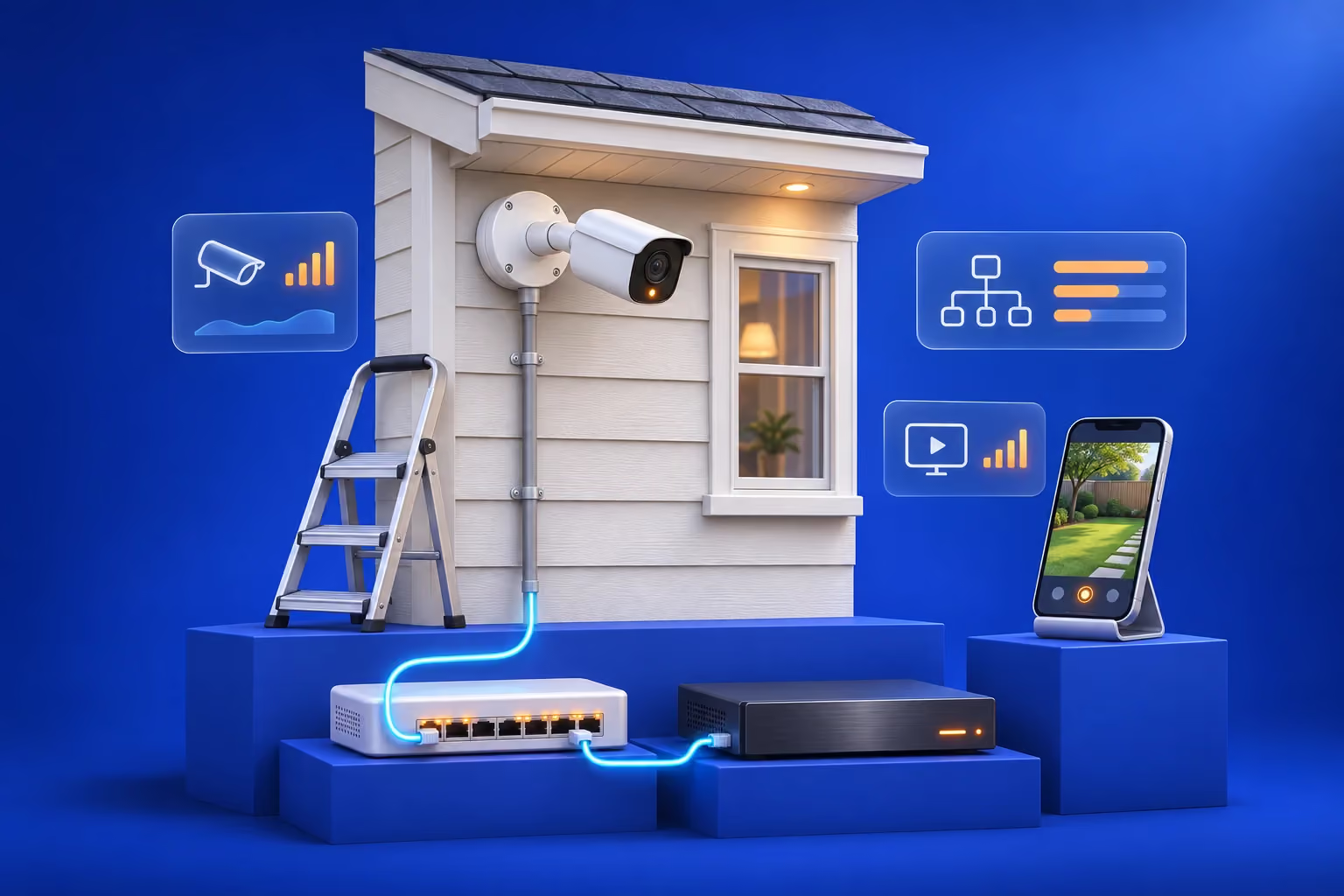
To install security cameras, you first decide what each camera needs to see, then run cable from the cameras to the recorder, mount the cameras, connect them and set up recording and viewing on your phone. The simplest way is with IP cameras and a recorder with PoE: one cable carries both video and power to each camera. Below is the order of work for a house, an apartment or a small shop, and the mistakes that make recordings useless later.
Start with a camera plan
Take a plan of the plot or the premises and mark what you need to see: the gate, the side gate, the front door, the yard, the parking area, the back door, the till. For each point, decide what the camera's job is.
- Overview: you can see what is happening in the yard or the shop floor, but a face cannot be made out from a distance. A wide angle is enough.
- Identification: the recording lets you recognise a person or read a number plate. The camera goes closer to where people and cars pass, with a narrower field of view.
Outdoor cameras are mounted at about 2.5–3 m: out of reach, yet still showing faces from an angle rather than only from above. A camera should not face the sun, a bright window or a street light, because against the light faces turn into dark silhouettes. Outdoors you need a housing rated IP66 or IP67, and for night-time an infrared range at least as long as the distance to the far edge of the frame.
The equipment you need
- Cameras. IP cameras give a sharper picture and are powered over the network cable; HD analogue cameras let you reuse old coaxial cable. There is a full comparison in our article IP or analogue cameras.
- A recorder: an NVR for IP cameras or a DVR for analogue ones, with a hard disk for the archive. Our article NVR or DVR explains how to choose one and size the disk.
- A PoE switch if the recorder has no PoE ports of its own or fewer ports than cameras.
- Cable: Cat 5e or Cat 6 twisted pair for IP cameras, coaxial cable for analogue ones. Outdoors, use sheathed cable or run it in conduit.
- Junction boxes for the cameras, cable ties, wall plugs and sealant for the holes.
- A UPS for the recorder and switch, so recording does not stop during a power cut.
For a home or a small shop, a ready-made CCTV kit is convenient: the cameras, recorder and power supply in it are already matched to each other.
How to run the cable
PoE means powering the camera over the same cable that carries its video. With PoE you run one cable to each camera and need no socket next to it. Our article what is PoE explains how to work out the PoE power budget and what to do if it falls short.
- A single Ethernet run from the recorder or switch to a camera should not exceed 100 m. Distant cameras get an intermediate switch.
- Outdoors, run the cable in conduit or a protective pipe: sun and frost break down an ordinary sheath within a few years.
- Do not put low-voltage cable in the same conduit as mains cable, because interference spoils the picture.
- Drill the hole in the wall sloping outwards and fill it with sealant, and bring the cable up to the camera from below with a drip loop, so water runs off instead of following the cable inside.
- Leave a little spare cable at each camera in case it has to be moved.
How to mount a camera
The camera sits on a junction box that hides the connector and the spare cable and keeps them dry in the rain. On a facade the camera is fixed to the wall or a bracket with wall plugs; under an eave it goes on the soffit. Outdoors, the RJ45 connector is covered with the weatherproof cap supplied with the camera. Once mounted, the camera is pointed roughly at its zone and then adjusted precisely using the picture on the monitor.
How to connect the cameras to the recorder
- Plug the camera cables into the PoE ports of the recorder or switch, and connect the recorder to the router.
- Switch on the recorder and connect a monitor. Most recorders find cameras from the same manufacturer on the network by themselves.
- Set new passwords on the recorder and the cameras. A factory password is the most common reason CCTV gets hacked.
- Set the date, time and time zone, ideally synchronised over the internet: footage with the wrong time is hard to use.
- Format the disk and choose the recording mode: continuous or motion-triggered. Check how many days of archive you get at the chosen resolution.
- Adjust the angle and focus of each camera using the daytime picture, then check the night image in the evening.
How to connect CCTV to your phone
Every manufacturer has a viewing app. Usually you install it, sign in to an account and scan the QR code in the recorder's menu: the recorder connects to the manufacturer's cloud service, so there is no need to open ports on the router. In the app you set up motion alerts for chosen zones. It is better to give each family member or employee their own account with the right permissions than to share the admin password.
Where there is no wired internet, for example at a country house, the recorder is connected to a 4G router with a SIM card. In that case, check the network coverage in advance and allow for the data used when you watch video on your phone.
Common installation mistakes
- The camera faces the sun or a bright entrance, and in daytime you see silhouettes instead of faces.
- The camera was mounted high with a wide angle: the whole yard is visible, but the face of a person at the gate cannot be made out.
- An eave, wall or branch close to the lens reflects the infrared at night and washes the frame out white.
- Outdoor cable is unprotected and connectors have no caps, so within a year or two the camera starts dropping out.
- The recorder has no UPS, so recording stops at every power cut.
- The disk was chosen by guesswork, and the archive lasts a few days instead of the month you need.
When to leave the installation to professionals
Many people fit two or three cameras at home themselves, using the recorder from a kit. Installers are called in when there are many cameras, the cable has to run a long way or across several floors, the cameras go high on a facade, the system has to work with an alarm and access control, or a business needs its archive calculated. Our article how to choose security cameras for your home covers choosing the cameras themselves.
LAGI designs and carries out CCTV installation: we choose cameras for the job at each point, run the cable, set up the recorder, archive and phone viewing, and show you how to use the system. Site surveys in Tbilisi are free, and you can describe your site in a quote request.
Frequently asked questions
Can I install security cameras myself?
Yes, a small system of two to four cameras with the recorder from a ready-made kit can be installed yourself if you have the tools and can reach the mounting points. The key things are to plan what each camera will see, protect outdoor cable and change the factory passwords. A system with many cameras, long cable runs or a high facade is better left to installers.
How do I connect a security camera to my phone without a recorder?
Wi-Fi cameras with a memory card work without a recorder: the camera joins your home router through the manufacturer's app and records to the card inside it. This is a convenient way to keep an eye on an apartment or an entrance. The drawback is that the footage is lost if the camera is taken down or stolen, so yards and businesses get a recorder.
At what height should a security camera be installed?
A camera is usually mounted at 2.5–3 m, where it cannot be reached or turned by hand and still sees faces at a useful angle. If you mount it higher, you need a lens with a narrower field of view, otherwise the recording shows only the tops of heads. An identification camera works best pointed at the spot where people walk towards it.
How long can the cable to an IP camera be?
A single run of network cable from the recorder or switch to an IP camera can be up to 100 m, and the same limit applies to PoE power. If the camera is further away, an intermediate switch or a PoE extender goes in the middle of the run. For very long distances, such as between buildings, fibre is laid.